 PagePack
Save every file of a page as one ZIP.
HTML, CSS, JavaScript, images, fonts and media – packed with their original folder structure, straight from Chrome DevTools. The modern replacement for “Save All Resources”.
Free forever · Pro from $3.99/month · 7-day Pro trial, no card
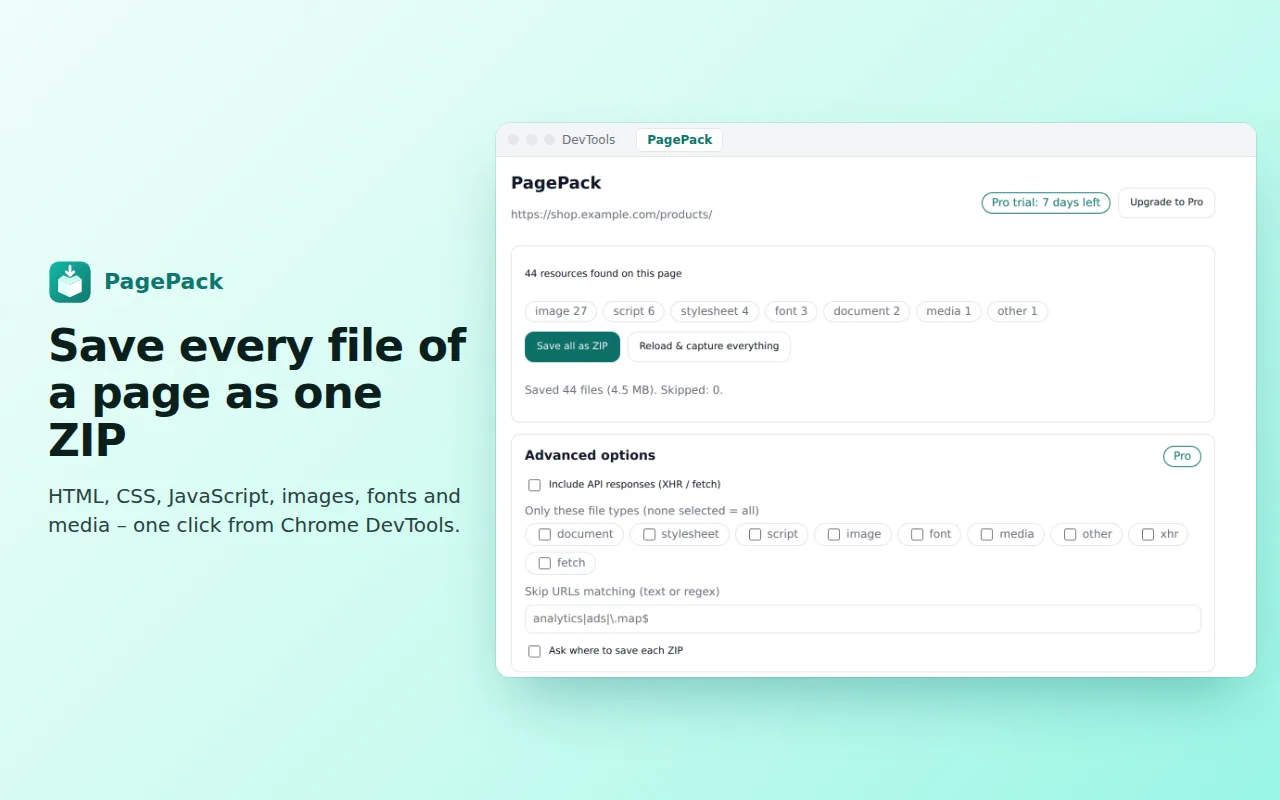
0 resources found on this page
✓ Saved 43 files (4.5 MB) · shop.example.com.zip
Everything the page loaded. Nothing you have to hunt for.
One click, one ZIP
Every resource of the inspected page in a single archive, named after the site and the time you saved it.
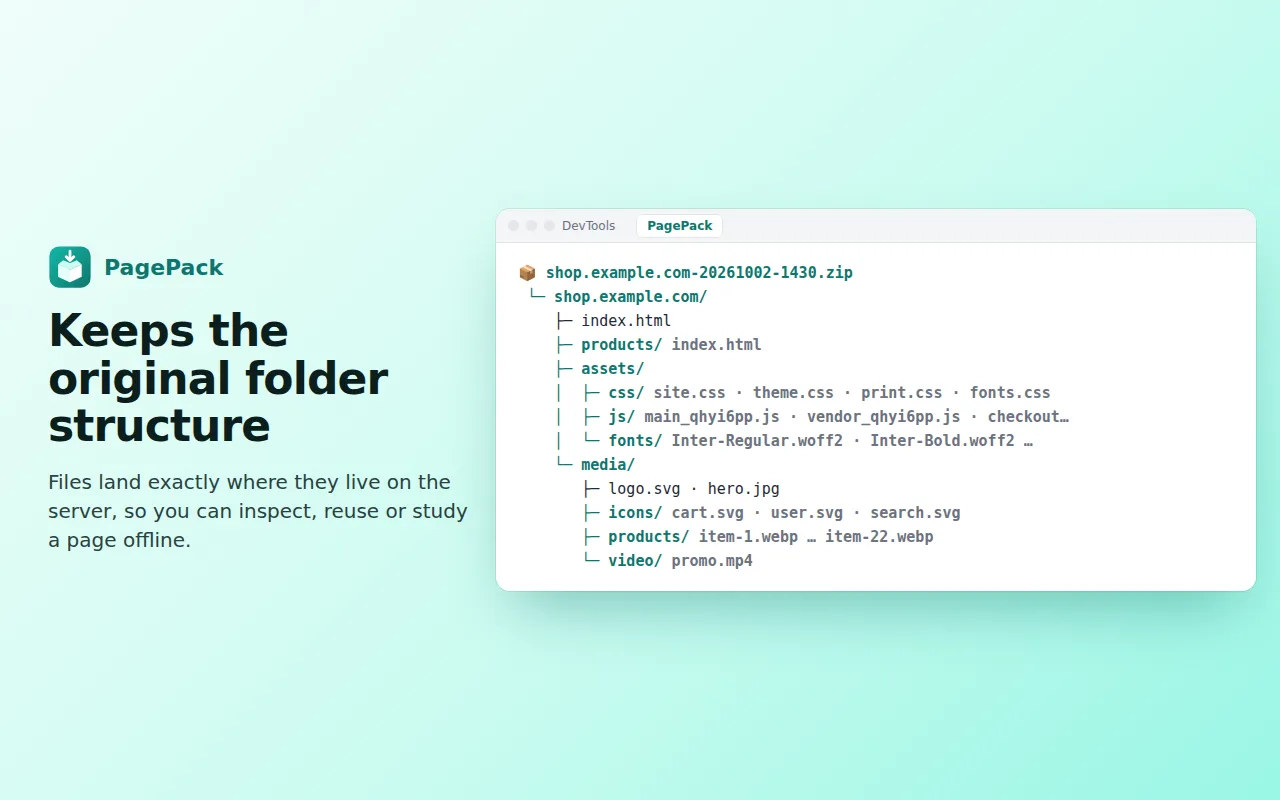
Original folders
Files land exactly where they live on the server, so the structure makes sense the moment you unzip it.
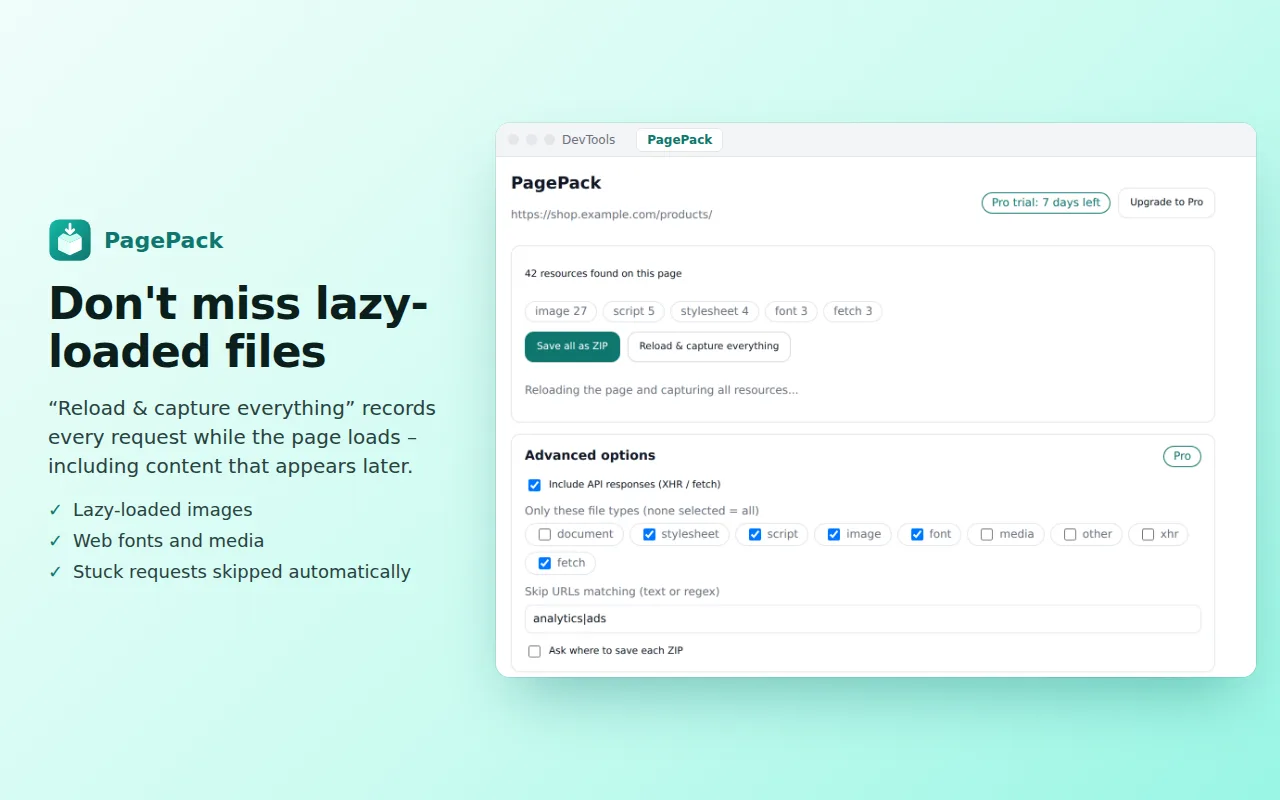
Lazy-loaded files too
“Reload & capture everything” records every request while the page loads – dynamic images and scripts included.
Robust and private
Requests that never finish are skipped and listed in the ZIP. Nothing is uploaded, ever.
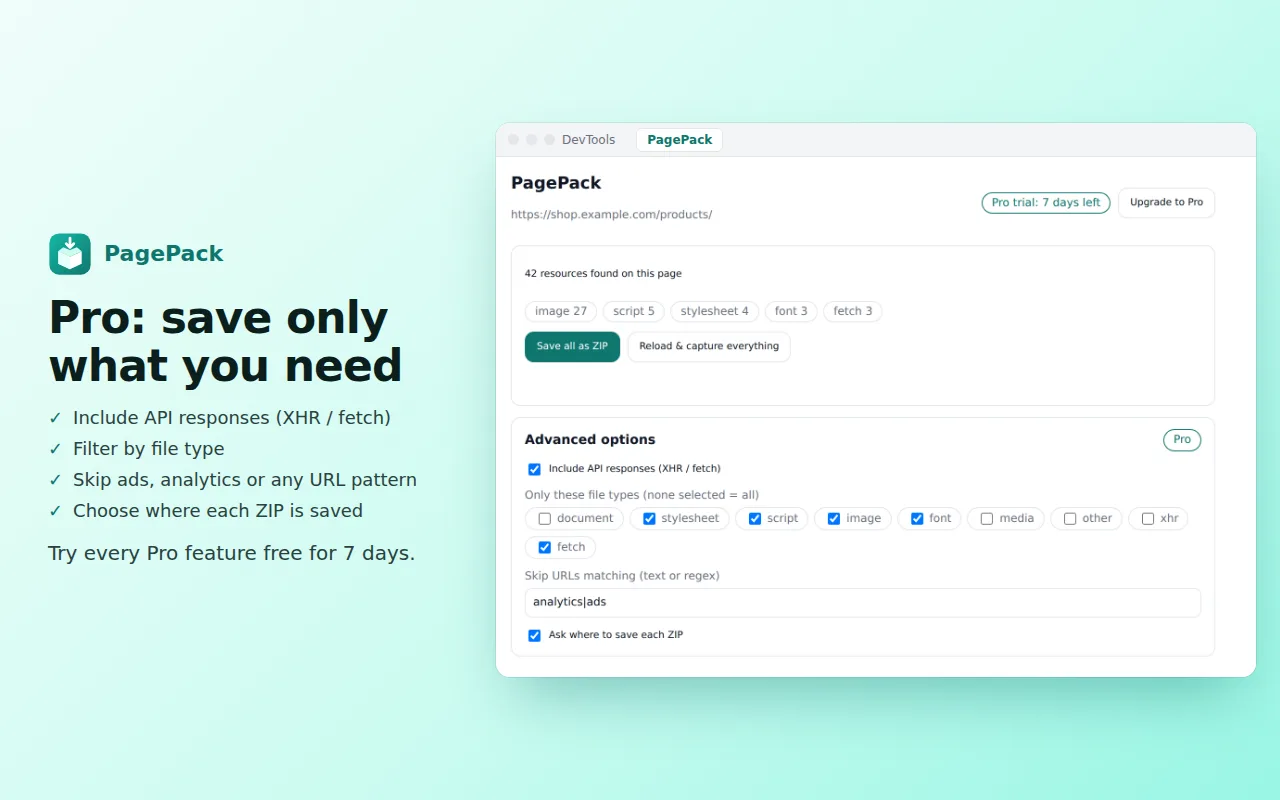
API responses Pro
Include XHR and fetch responses – perfect for debugging, documentation and offline demos.
Filters Pro
Save only the file types you need, skip ads and analytics with text or regex, choose where each ZIP goes.
See it in 20 seconds
Three steps. Ten seconds.
Any site you can open in Chrome – including pages behind a login.
Press F12, or Cmd+Option+I on a Mac.
Done. Your ZIP is in your Downloads folder.
Free for everyday use
Upgrade only if you need the power-user extras.
Forever
- Save all page resources as ZIP
- Original folder structure
- Reload & capture dynamic files
- List of skipped files
or $29 / year – save 40%
- Everything in Free
- API responses (XHR / fetch)
- File-type filters
- Skip URLs by text or regex
- Choose where to save
Payments are handled securely by ExtensionPay and Stripe. Cancel anytime.
See it in action
Questions
Is PagePack a replacement for “Save All Resources”?
Yes. PagePack does the same job – every resource of a page in one ZIP with its folders – and adds live capture of lazy-loaded files, protection against requests that never finish, and it is actively maintained for the latest Chrome.
Does it work on pages behind a login?
Yes. PagePack reads what your own browser already loaded, so it works on any page you can open – including dashboards and members-only pages.
Is my data uploaded anywhere?
No. The ZIP is created inside your browser and saved to your computer. PagePack contains no analytics or tracking.
Why can’t I see the PagePack tab?
Open DevTools (F12 or Cmd+Option+I). If the tab is hidden, click the » arrow in the DevTools tab bar.
Can I cancel Pro?
Anytime, from the payment page that opens from “Upgrade to Pro”. The free features keep working.
Please use PagePack only for content you are allowed to download. Privacy policy
Ready to save your first page?
Install PagePack in 5 seconds. Free, no account.